
Free Online Petition Text Generator
Generate structured online petitions with persuasive titles, issue summaries, demands, supporting arguments, and signature-focused CTAs. Designed for advocacy campaigns, nonprofit initiatives, community organizing, and awareness-driven petitions.
Petition Text
Your petition draft will appear here...
How the AI Online Petition Text Generator Works
Get results in seconds with a simple workflow.
Describe the Issue and the Change You Want
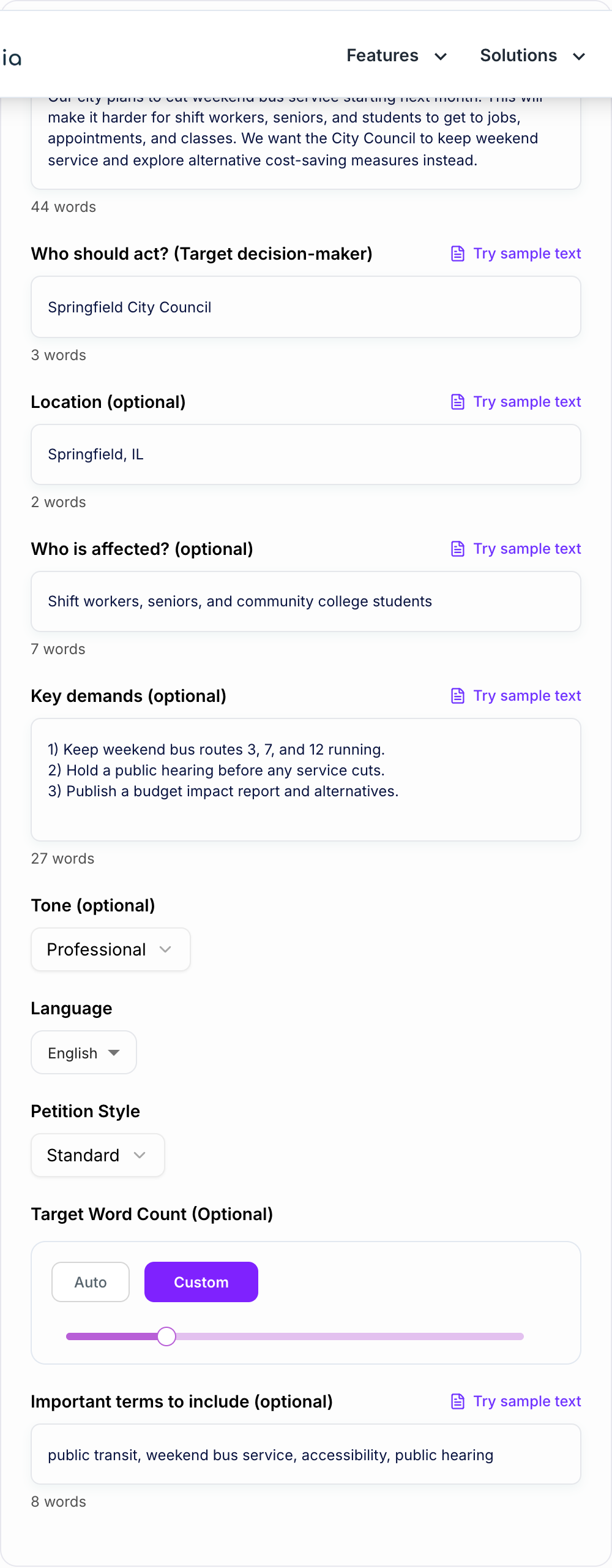
Paste a clear explanation of the problem and what outcome you’re asking for. Add location and who is affected if relevant.
Choose Your Petition Style
Pick Standard, Urgent, Formal, or Community-Friendly. Optionally set tone, language, target decision-maker, and key demands.
Generate, Review, and Publish
Generate your petition text, then review names, dates, and demands for accuracy. Publish on your petition platform and share with a concise summary and link.
See It in Action
Example of turning a vague request into a clear, actionable online petition introduction and demand.
We need the city to stop cutting bus service. This is unfair and will hurt a lot of people. Please fix it.
We call on the Springfield City Council to keep weekend bus service in Springfield, IL. Cutting weekend routes will limit access to jobs, medical appointments, and classes—especially for shift workers, seniors, and students. We urge the Council to pause the cuts, hold a public hearing, and publish budget alternatives that protect essential transit access.
Why Use Our AI Online Petition Text Generator?
Powered by the latest AI to deliver fast, accurate results.
Complete Online Petition Draft (Title + Body + Call to Action)
Generates a signature-ready online petition with a compelling title, concise problem summary, clear demands, and a strong call to action—ideal for Change.org-style campaigns and community petitions.
Specific, Actionable Demands (Not Vague Complaints)
Creates concrete requests addressed to the right decision-maker, improving credibility and increasing the chance of a meaningful response from officials, schools, landlords, or organizations.
Tone & Audience Control (Formal, Urgent, Community-Friendly)
Adjust the petition tone for your campaign: policy-ready language for decision-makers, mobilizing urgency for fast action, or inclusive community messaging to earn broad support.
SEO-Friendly Petition Copy for Discoverability
Naturally incorporates key terms you provide (location, issue keywords, decision-maker) to help the petition read clearly, share well, and align with search intent—without keyword stuffing.
Clear Structure That Converts Readers Into Signers
Uses proven petition writing structure—hook, stakes, who’s affected, evidence-style points, demands, and CTA—to increase signatures and shares across social media and email.
Pro Tips for Better Results
Get the most out of the AI Online Petition Text Generator with these expert tips.
Make the first 2 lines crystal clear
Most readers decide whether to sign in seconds. Lead with the problem, who should act, and the exact change you want—before adding background.
Use 1–3 demands max (and make them measurable)
Too many asks can reduce clarity. Keep demands specific (what, who, when) so signers and decision-makers know exactly what success looks like.
Name the decision-maker and the community impacted
Targeting improves credibility: include the council/board/department and the affected group (residents, students, workers, patients) to ground the petition.
Avoid legal claims unless you can substantiate them
Petitions work best when they’re factual and respectful. If you reference policies, laws, or compliance issues, cite specifics in your own materials before publishing.
Add a short update strategy
After publishing, post updates at milestones (e.g., 100, 500, 1,000 signatures) to maintain momentum and increase shares.
Who Is This For?
Trusted by millions of students, writers, and professionals worldwide.
How to Write an Online Petition That Actually Gets Signed
Most petitions fail for one simple reason. The reader cannot tell what you want, who can deliver it, and why it matters in the first few seconds.
A good online petition is basically a tiny persuasion page. It needs a clear target, a concrete ask, and a short story that feels real, not dramatic. That is exactly what this Online Petition Text Generator helps you draft fast, so you are not stuck staring at a blank box on Change.org or a similar platform.
The Core Structure of High Converting Petition Text
If you want more signatures, do not overthink it. Use a predictable structure that makes people feel safe saying yes.
State the demand and who has the power to act on it, and keep to claims you can document.
1) Petition title that states the action
A strong petition title usually includes:
- the action you want (stop, keep, reinstate, implement, fund)
- the decision maker or organization
- the location or community, if relevant
Examples:
- “Keep Weekend Bus Service in Springfield, IL”
- “School Board: Add Crosswalk Guards Near Lincoln Elementary”
2) First paragraph that answers 3 questions
Open with:
- What is happening
- Who should act
- What change you want
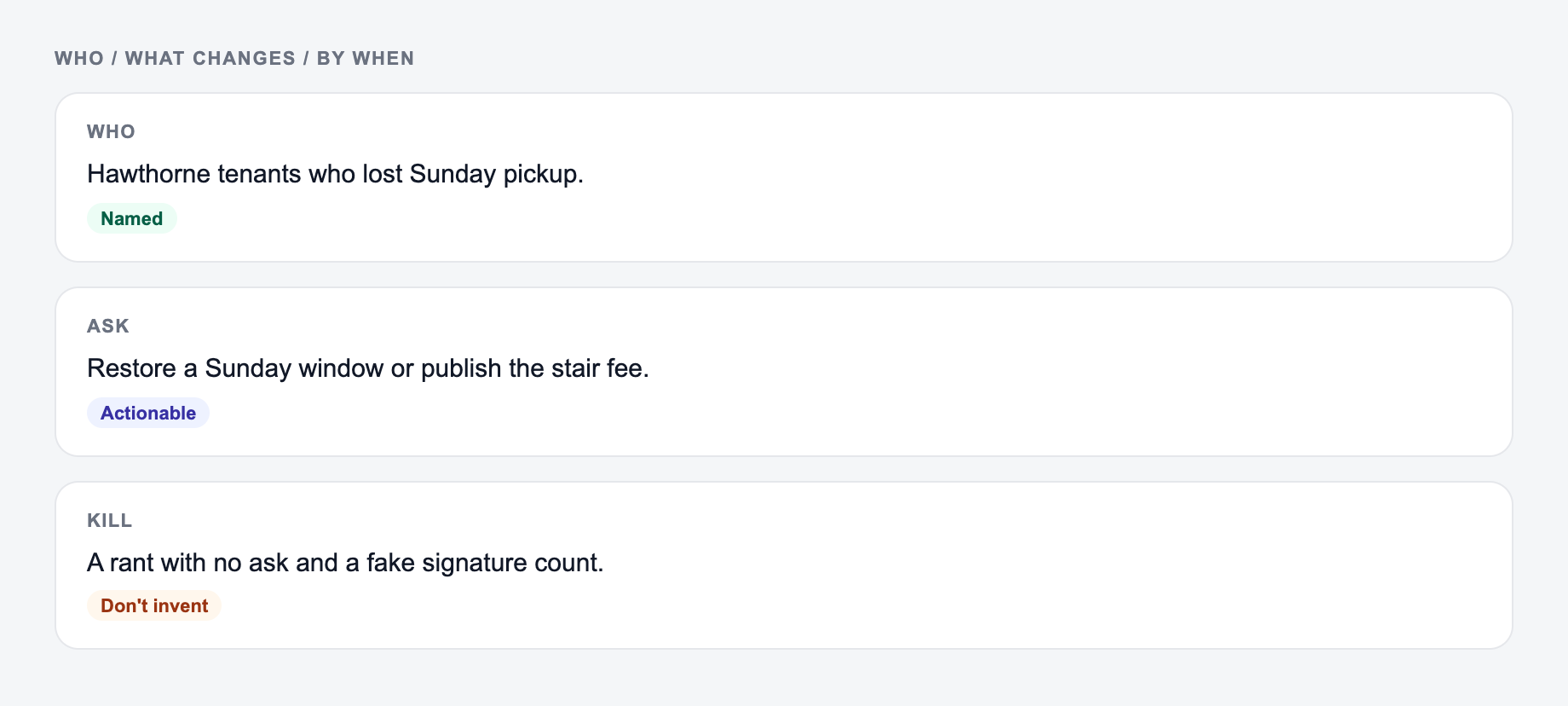
If the intro reads like a rant, people bounce. If it reads like a clear request, they keep going.
3) Short background that feels specific
This is where you add context and stakes. Mention the affected group and what changes in real life. Even one concrete detail helps.
Instead of “this hurts everyone”, try:
- “Shift workers will lose a reliable way to get to early morning jobs.”
- “Students will miss classes and tutoring on weekends.”
4) 1 to 3 demands, written like checkboxes
This part is where petitions win or lose.
Good demands are:
- actionable
- measurable
- realistic for the target
Examples:
- “Hold a public hearing before any cuts take effect.”
- “Publish a budget impact report and alternatives.”
- “Reinstate weekend routes 3, 7, and 12 for at least 12 months.”
5) A call to action that tells people what to do next
Ask directly:
- Sign
- Share
- Comment with a personal story
- Email the decision maker
A simple line works: “Sign this petition to urge the City Council to protect essential weekend transit access.”
How to Make Petition Demands Strong Without Sounding Aggressive
You can be firm without being hostile. The easiest way is to write demands as outcomes, not accusations.
Try this language pattern:
- “We call on [target] to [specific action] because [impact].”
- “We urge [target] to commit to [measurable step] by [timeframe].”
And if you are tempted to include legal claims or statistics, only do it if you can back it up. Credibility is everything in petition writing.
SEO Tips for Petition Pages (So People Find Them)
Petition platforms can rank in search results, but only if your text matches what people actually search.
A few practical tips:
- Include the location naturally in the title or first paragraph
- Name the decision maker (board, council, department, company)
- Use the main issue keywords once or twice, not everywhere
- Keep the first 2 lines readable on mobile, because that is what gets shared
If you are using this generator as part of your workflow, you can also build a consistent writing process with an AI writing platform like Junia AI so your campaigns, updates, and follow up messages all sound cohesive.
Quick Checklist Before You Publish
Read your petition and check:
- Can someone summarize your ask in one sentence?
- Is the target decision maker named correctly?
- Are demands specific enough to measure success?
- Did you avoid exaggerations and unverifiable claims?
- Does the CTA clearly ask for a signature and a share?
If you can answer yes to all of that, you are already ahead of most petitions people scroll past.
Frequently Asked Questions
What should an online petition include to get more signatures?+
High-performing online petitions usually include a clear title, a short summary of the problem, who is responsible, who is affected, 1–3 specific demands, and a strong call to action. Clarity and specificity typically increase trust and conversions.
How do I write strong petition demands?+
Make demands specific and actionable. Ask for concrete steps (e.g., “hold a public hearing,” “publish a report,” “reinstate weekend service,” “implement policy X by a date”) rather than general statements like “do better.”
Should I address the petition to a person or an organization?+
Either works, but naming the decision-maker often improves accountability. If you know the exact office, council, board, or company department, include it so the petition feels targeted and credible.
Can I use this tool for a formal petition to government officials?+
Yes. Use the Formal + Policy-Ready mode to generate a professional petition with structured reasoning and clear requests that are appropriate for officials, school boards, and public agencies.
Will the generator add facts or statistics?+
No. It’s designed to stay within the information you provide and avoid inventing facts, numbers, dates, or legal claims. If you want to include statistics, add them directly in your issue description.
How can I make my petition more discoverable online?+
Include the location, the decision-maker, and the main issue terms naturally in the title and first paragraph. Share consistently, add a short update after milestones, and keep the petition text clear so readers understand the ask within seconds.